Restaurang Apotek - Case Study
A bold dining experience deserves a bold digital home
Redesigning a restaurant website with focus on accessibility, mobile experience, and user-centered design.
Timeline3 week
RoleUX/UI Designer
TypeConcept Project
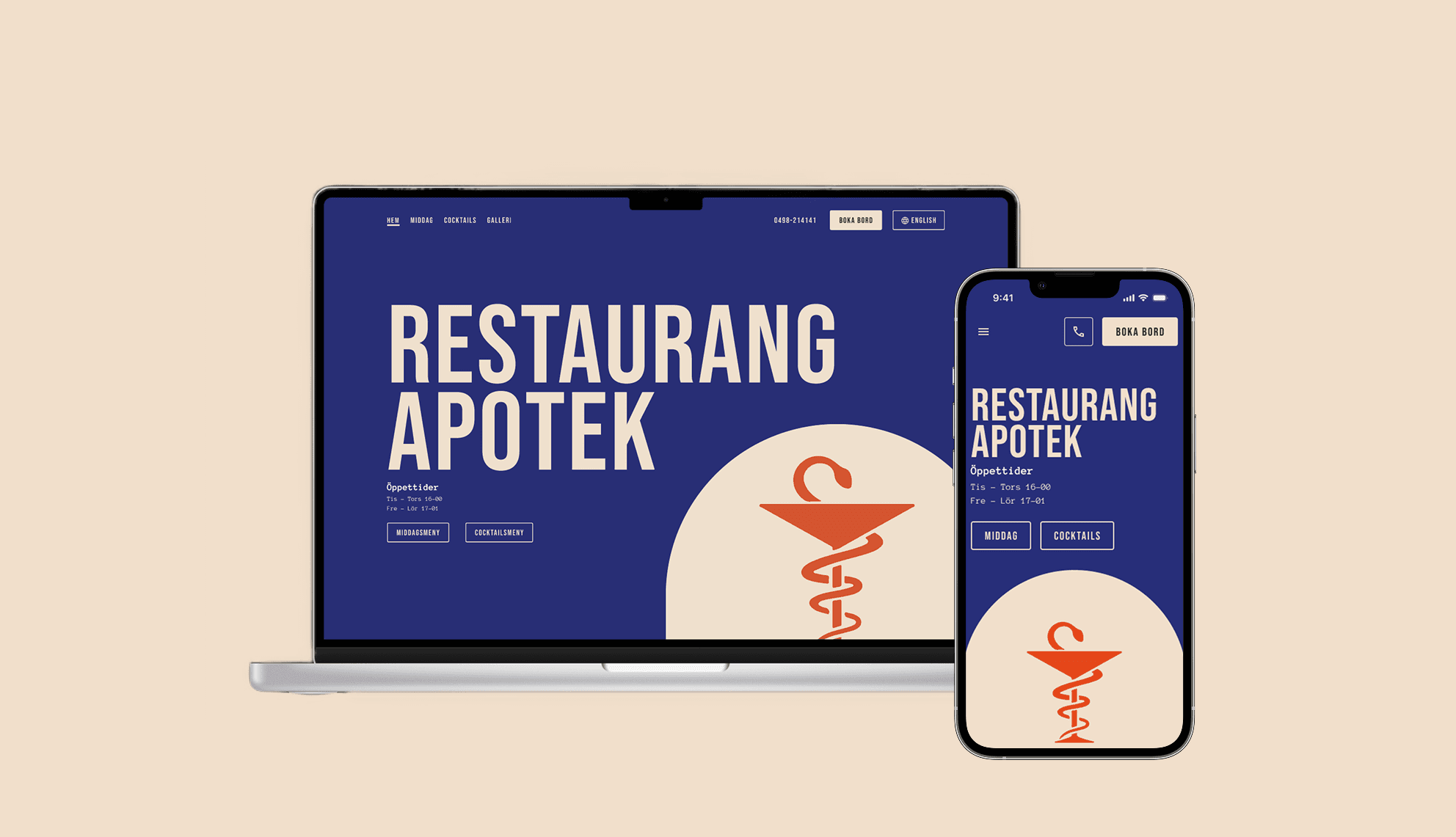
Redesigning a restaurant website with focus on accessibility, mobile experience, and user-centered design.
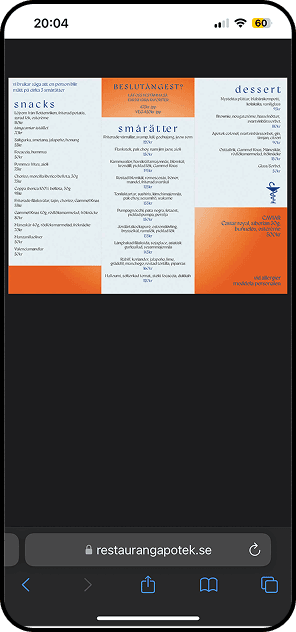
Restaurang Apotek is known for its bold interior and modern take on traditional dining, but their website didn't match. It lacked accessibility, was difficult to navigate on, and menus were buried in unreadable PDFs. The challenge was to create an experience as inviting as the restaurant itself.
By conducting usability reviews and user interviews, I uncovered that the biggest pain points weren't just visual, they were functional. Users struggled with basic tasks like finding the phone number or booking a table.
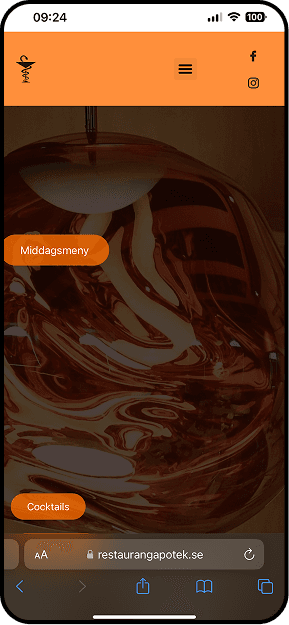
Users typically arrive with one clear goal: to act quickly. The interface prioritizes booking as the primary action, while keeping calling immediately available as a low-friction fallback for users who prefer direct contact. This approach reduces hesitation at the moment of decision and removes the need for unnecessary navigation before taking action.
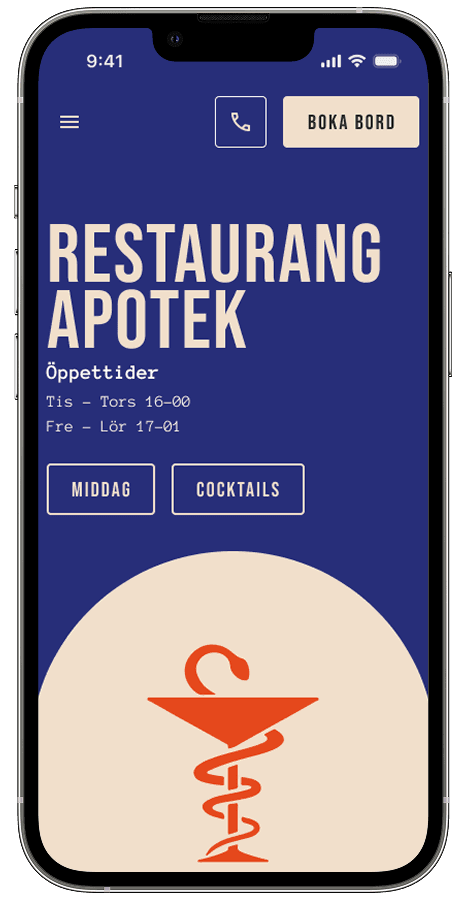
The focus was not visual novelty, but speed and confidence at the moment of decision.
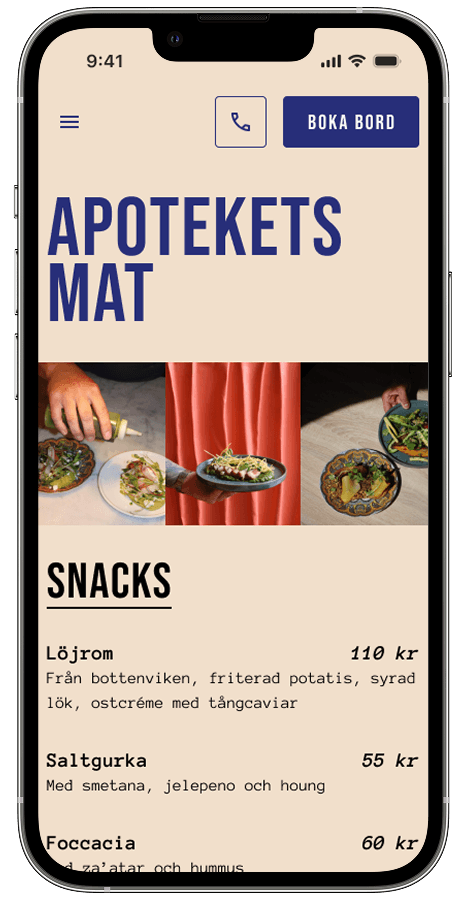
The original menus were delivered as PDFs, making them difficult to scan, inaccessible for screen readers, and inefficient on mobile. I redesigned the menus as web-native content with clear hierarchy, structured categories, and readable pricing, enabling faster scanning, better accessibility, and confident decision-making.
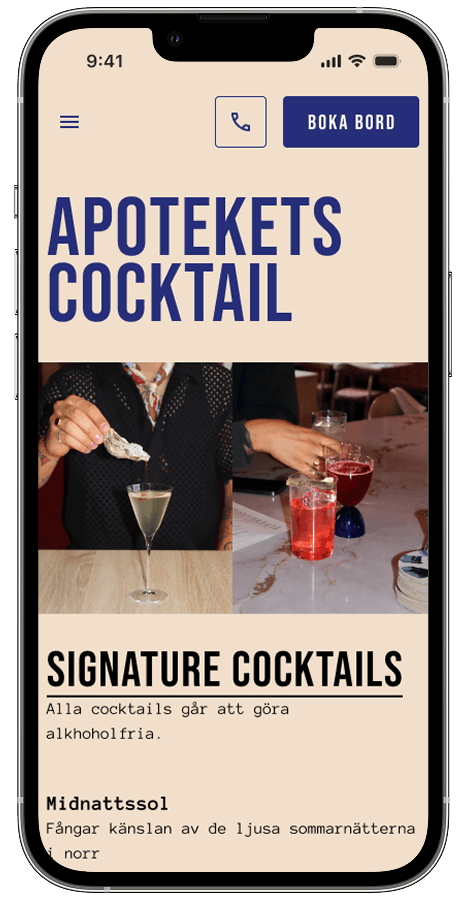
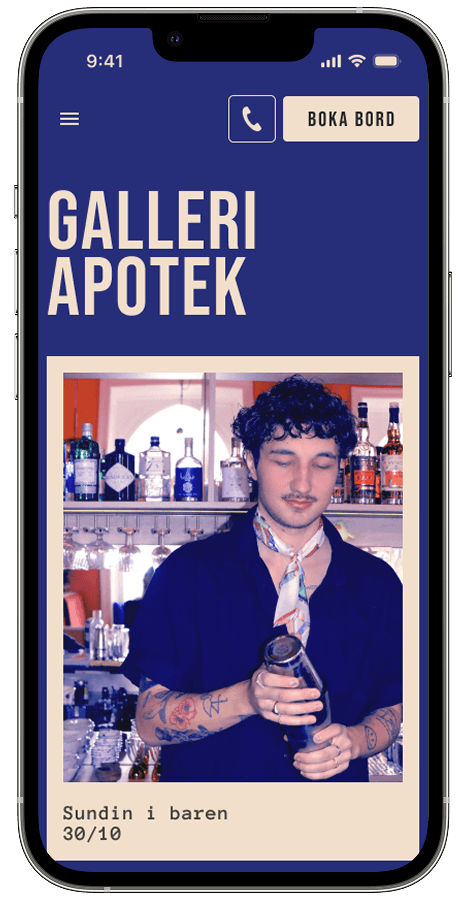
The gallery helps users quickly understand the restaurant's atmosphere, food, and drinks before committing to a booking. Instead of acting as decoration, the images are curated to support decision-making by showing real dishes, drinks, and the overall setting, helping users confirm that the experience matches their expectations.
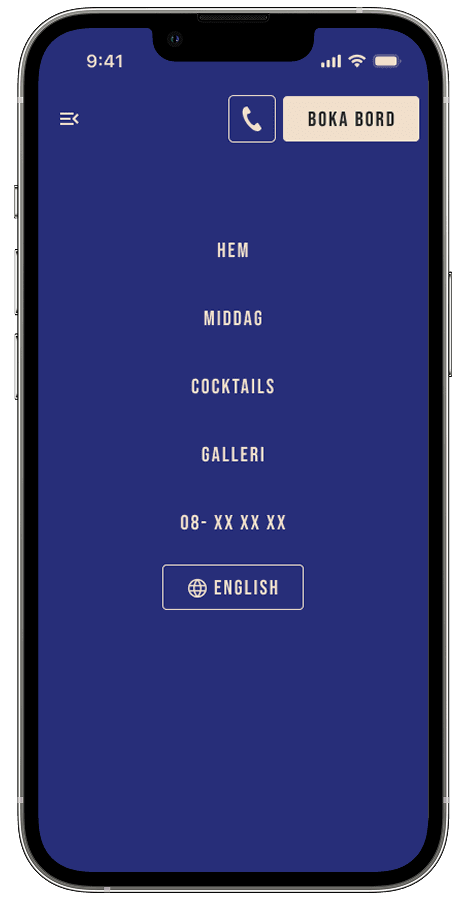
On mobile, users often arrive with a clear intention, to book a table, check the menu, or get in touch. The navigation was redesigned to surface the most important actions first, while keeping the structure simple and easy to scan. This reduces friction and helps users act quickly without feeling overwhelmed.
Testing helped validate the core structure while revealing where hierarchy and brand perception mattered more than raw visibility.
Users arrived with a clear intention rather than a desire to explore. When too many actions competed for attention, it slowed decision-making and created unnecessary friction.
Booking remained the primary action, supported by calling as a secondary path. By grouping actions within the navigation instead of forcing constant visibility, the experience felt more intentional and aligned with the restaurant's tone.
Reducing visual pressure helped users act without feeling rushed. The final structure supported quick decisions while reinforcing a confident, high-end brand perception.
Reflections on how this project shaped how I approach accessibility, hierarchy, and mobile-first decisions in future work.
Designing with accessibility in mind from the start improved the experience for all users. Clear structure, readable menus, and semantic choices made the interface easier to understand, not just easier to access.
Several decisions that felt obvious to me proved unclear to users. Early testing helped surface blind spots and reinforced the value of validating even small design choices.
Most interactions happened on mobile, where attention is limited and intent is high. Prioritizing mobile-first design helped sharpen hierarchy and focus on what truly mattered in the moment.